You are viewing an old version of this page. View the current version.
Compare with Current View Page History
« Previous Version 3 Next »
https://help.myob.com/wiki/x/P5SwBQ
The Webforms widget displays all webform checklists which have been shared with you.
You can click through each tile to open the contents, then review, adjust and submit them as required.
The system will display the status of each form on the widget as follows:
New
In Progress
Submitted
Date Overdue
As checklists are updated and submitted, the status will naturally change.
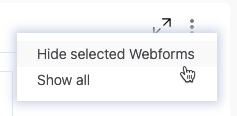
To hide webforms:
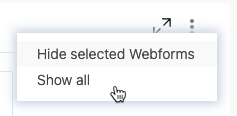
To show all your hidden webforms, open the ellipses menu, then click Show all.