

You are viewing an old version of this page. View the current version.
Compare with Current View Page History
« Previous Version 4 Next »
https://help.myob.com/wiki/x/aYDYAw
How satisfied are you with our online help?*
Just these help pages, not phone support or the product itself
Why did you give this rating?
Anything else you want to tell us about the help?
This feature is available if you're in the Early Access Program (EAP).
You can move an individual tax return from MYOB AE/AO to MYOB Practice.
From 2020 onwards, you can roll over a simple individual tax return (without a ledger attached) in MYOB Practice.
- You'll see an Assets tab when the individual tax return opens in MYOB Practice but the data from Assets won't integrate into the return.
- If you use tax tracking in your practice, you cannot migrate Individual, SMSF, and Fund tax returns. You can still migrate company, trusts, and partnership returns.
Prerequisites
- You can only move 2020 tax returns online.
- Make sure the 2019 tax return:
- has a status of In progress or Lodged
- has a tax contact and tax agent present in the Return properties.
- there is no ledger configured in the Client accounting tab in MYOB AE/AO.
Creating the return
You need to rollover the return from MYOB AE/AO to create the individual tax return in MYOB Practice
Creating a tax return within MYOB Practice is coming soon!
When migrating a tax return from AE/AO into MYOB Practice, we roll over a number of fields to reduce your data entry time.
|
|

Log in to AE/AO.
Go to the Tax returns tab.
Follow the steps for the product you use:
Accountants Enterprise (AE) Click Create return under the Tasks bar on the left.
In the Create tax return window, select 2020 in Tax return year and Return type as Individual.
Click Create and follow through with the rollover steps. A 2020 return with a Not started status is created in the Tax returns tab.
- Close the 2020 return.
Accountants Office (AO) Click to open the 2020 tax return. Make sure it has a status of Not started.
Follow the rollover steps that appear.
Go back to the Tax returns tab and click to open the 2020 tax return.
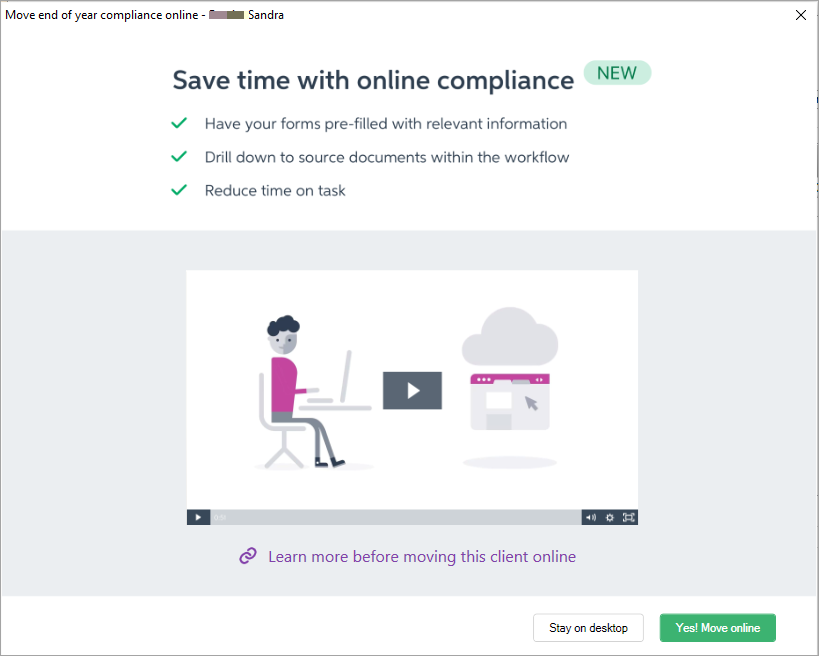
- In the Move end of year compliance online window, click Yes! Move online.
Make sure the Simple view No ledger is selected and click Continue. The migration process starts
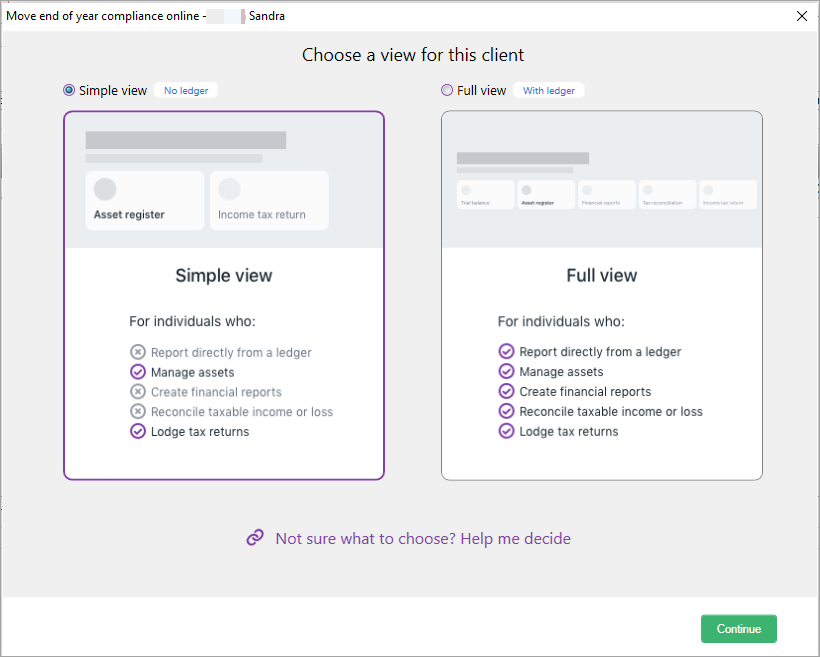
Only the Simple view option is available now. The Full view option is coming soon!
Click Launch online after the migration is complete.
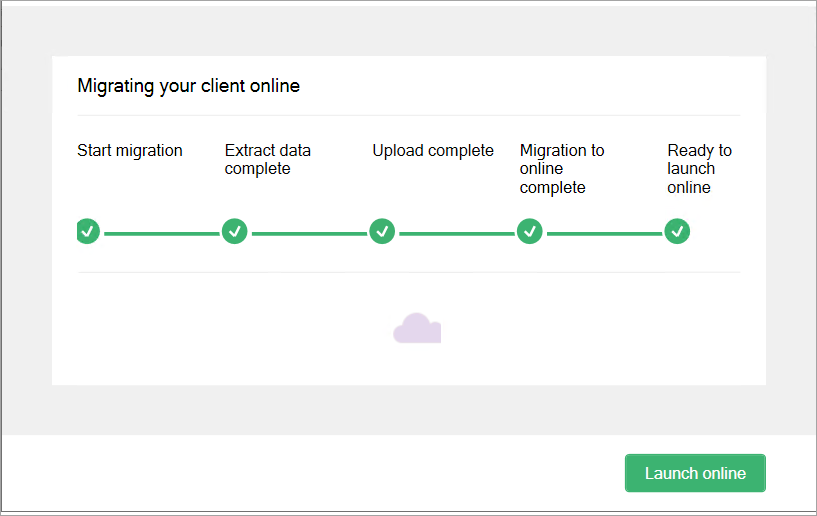
The Individual tax return opens in MYOB Practice.
Data entry
You can:
- enter data into some of the fields on the Tax return page. Use the navigation options on the right of the Tax return page to jump straight to the section you want to view or update.
- use the ATO lodgable schedules to enter values in a label. These schedules are lodged with the tax return.
- use Tax workpapers to enter values in a label. These are specific to each tax return type are not lodged with the tax return
From 2020, the ATO has introduced a mandatory Income Details schedule (INCDTLS) to report income details in an Individual tax return. This means you can only use this schedule to enter income into most items. You can no longer enter the amounts directly in the labels.
The ATO pre-fill is available for 2020 individual tax return. See Pre-fill data from ATO report (Individual returns)
- In the panel on the right of the page, in the Add schedule or workpaper drop-down, type Income details schedule or select Income details schedule from the list.
- Enter the details in the labels you want to complete.
Review, complete, and lodge
Once you've entered the data in the tax return, follow the workflow to review, complete and lodge the tax return.
Validation
Individual returns now have an MYOB in-house validation check. This saves time as this process is much quicker than the ATO's validation and can be performed even if the ATO systems are busy or down.
 Sending a tax return for client review
Printing and generating an estimate
Deleting a tax return
After you delete a tax return in MYOB Practice, you can access the return in MYOB AE/AO.
Need help?
Talk to our dedicated Practice compliance team on 1300 358 056, option 2.
Do not change the phone number as it is a special EAP number
 Yes
Yes
 No
No
 Thanks for your feedback.