Page tree


Close

How satisfied are you with our online help?*

Just these help pages, not phone support or the product itself

0
1
2
3
4
5
Very dissatisfied
Very satisfied

Why did you give this rating?

Anything else you want to tell us about the help?
Online company files, Australia only

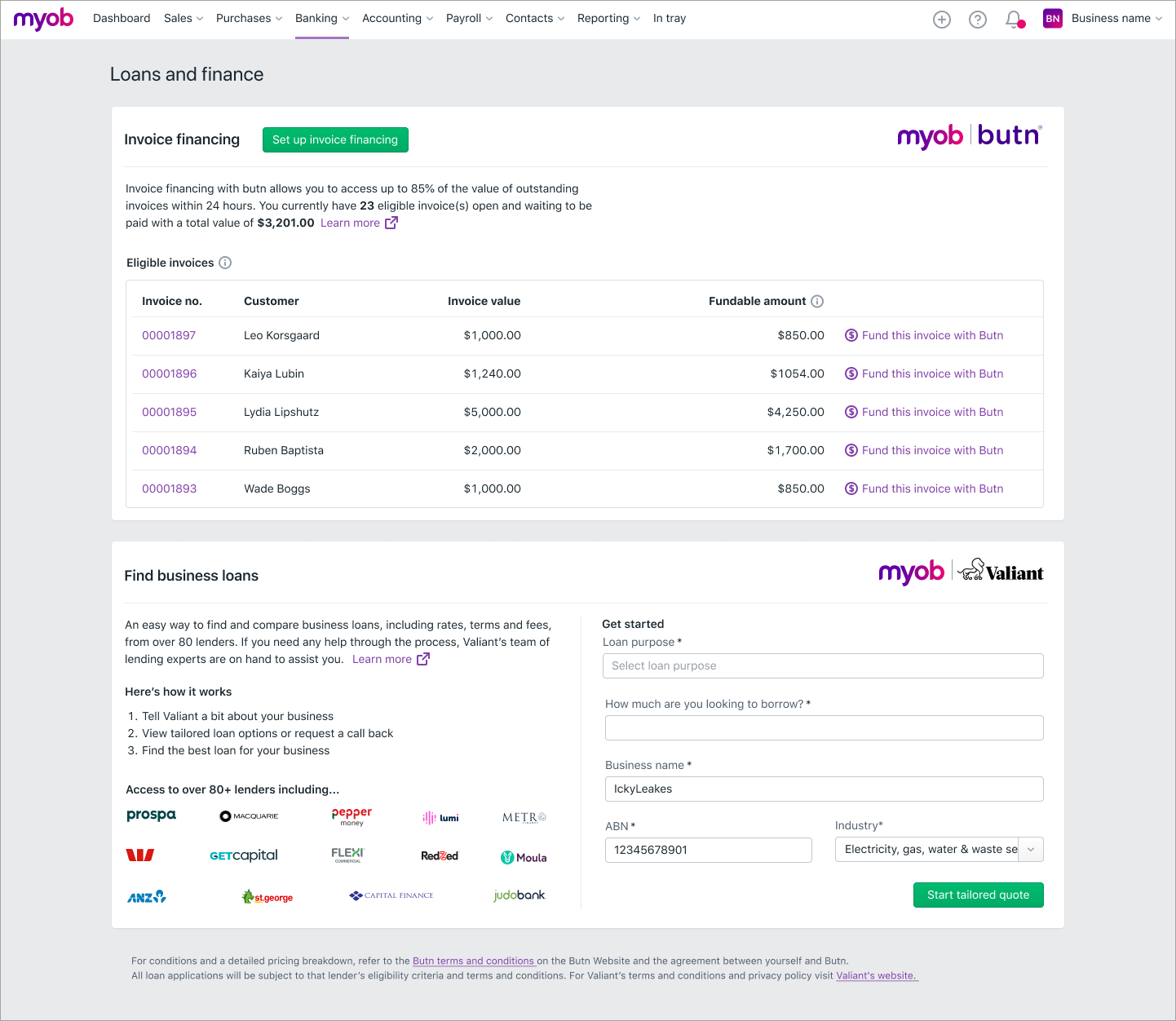
Need to purchase some new equipment for your business? Or do you need to access valuable cashflow now rather than waiting until the customer pays you?

You may find a finance solution on the Loans and finance hub.

Because your company file is online, you'll view the Loans and finance hub in the web browser version of AccountRight. Tell me more about using AccountRight in a web browser.
To open the Loans and finance hub
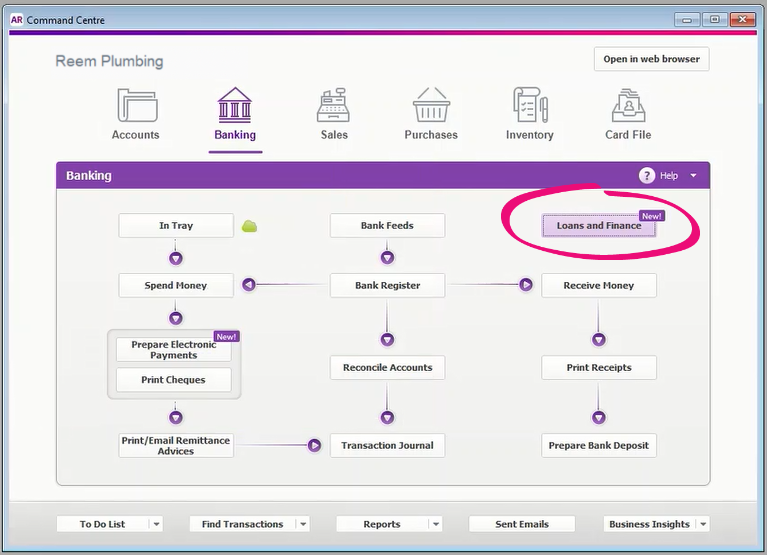
  1. Go to the Banking command centre > Loans and Finance.

  2. Click Open loans and finance hub. A new tab opens in your web browser.
  3. If prompted, sign in using your MYOB account details (email address and password).

MYOB has partnered with:

  • Valiant, to give your business easy access to the right finance solutions. You can get a quote directly from AccountRight – find out how to get a business loan with Valiant.
  • Butn, to provide funding against your outstanding invoices. You simply apply for a Butn account, then request funding whenever you need it — find out how to get invoice financing with Butn.

Can't see Butn invoice financing on the Loans and finance hub? Invoice financing is only available to selected Australian businesses.

If you'd like to register your interest and try it for yourself, email us at funding_support@myob.com